Minecraft on autopilot.
It walks, mines and gathers so you don't have to. Tell it what you need, then go do something else. Anything else.
Watch it go.
The trailer. It plays muted, tap the speaker for sound.
The trailer. It opens on YouTube.

Streams from YouTube. Nothing is fetched from there until the player is on screen. Or watch it there.
Type it in chat.
Every command starts with a hash. #help lists all of them. You'll use about four.
#goto 1000 500- Walks there. Give it x and z, or x y z.
#mine diamond_ore- Finds the block and digs it out. Again and again. Never gets bored.
#get iron_pickaxe- Gathers an item from nothing. Mines, crafts and smelts on the way.
#follow player Steve- Tags along behind a player. Or every player, or every mob. Politely.
#farm- Harvests the crops around you and replants them.
#explore- Wanders off into chunks you have not seen.
#wp save user base- Saves where you are. Path back to it later by name.
#set allowParkour true- Turns on the riskier jumps. They all start off.
#gamer- Tries to beat the whole game by itself. No, really.
#stop- Drops whatever it was doing. Right now. No questions.
Or skip the typing.
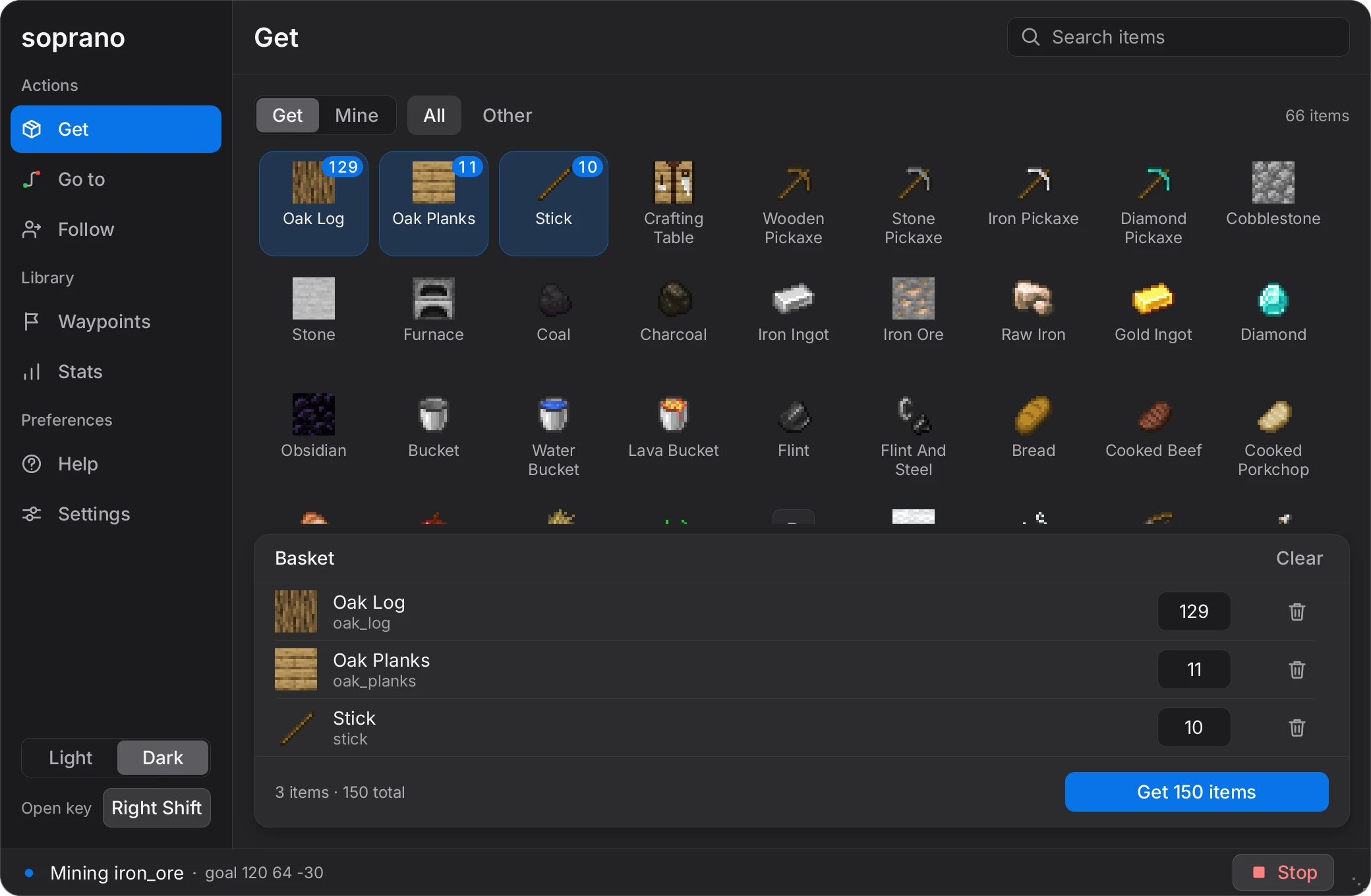
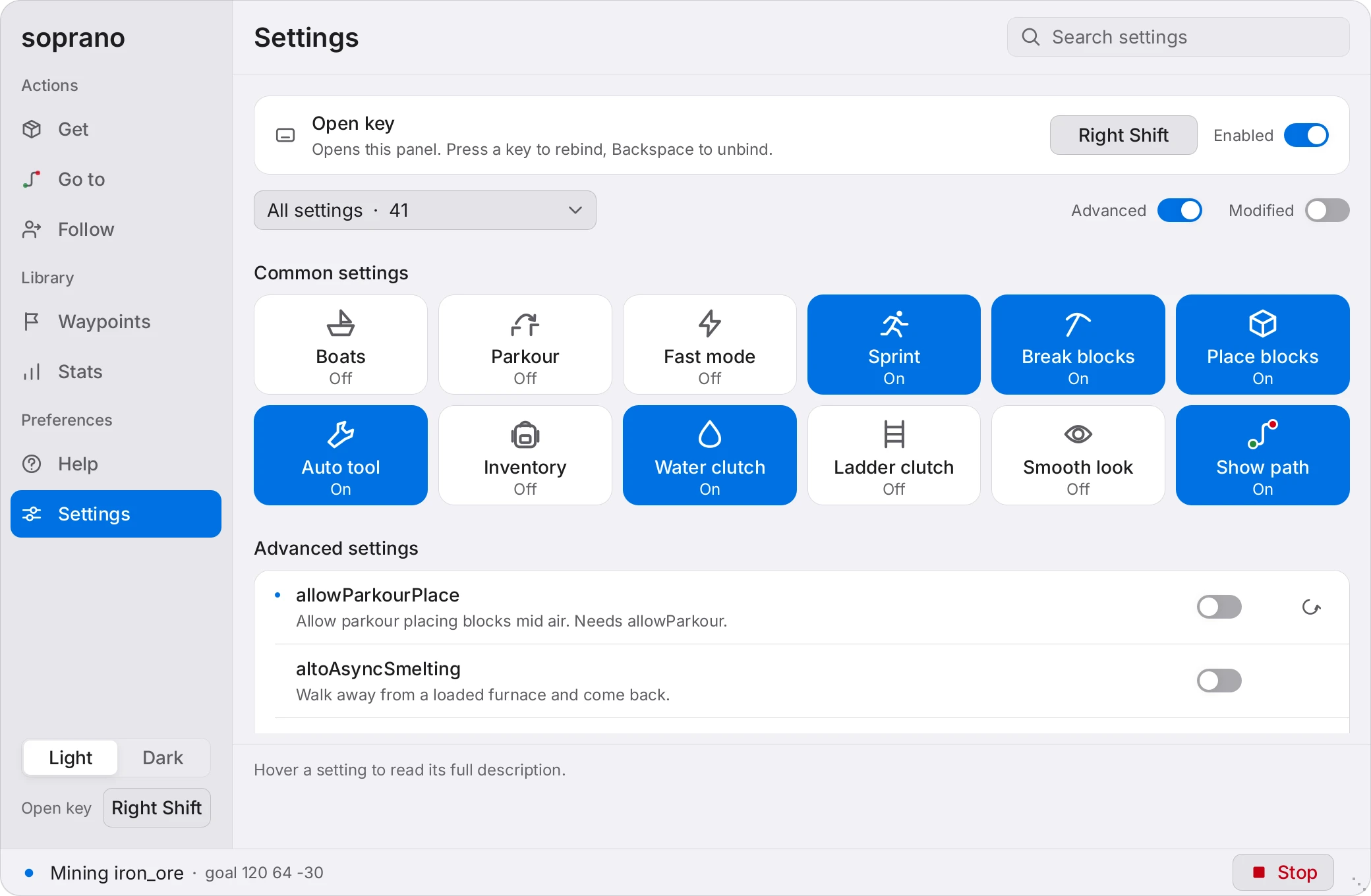
Press Right Shift in a world, or type #gui. Every command, now a button. Dark and light. Pick a side.
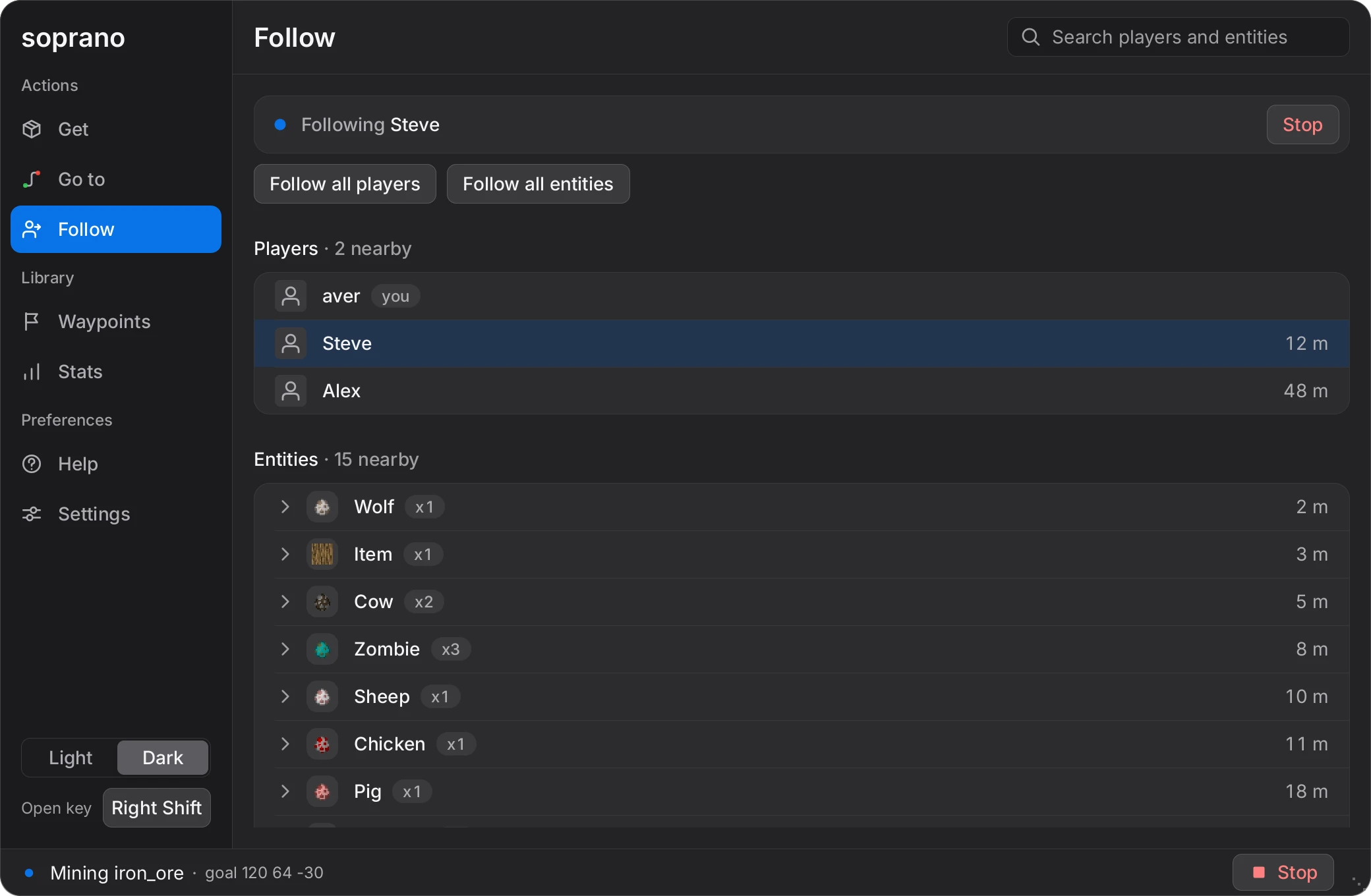
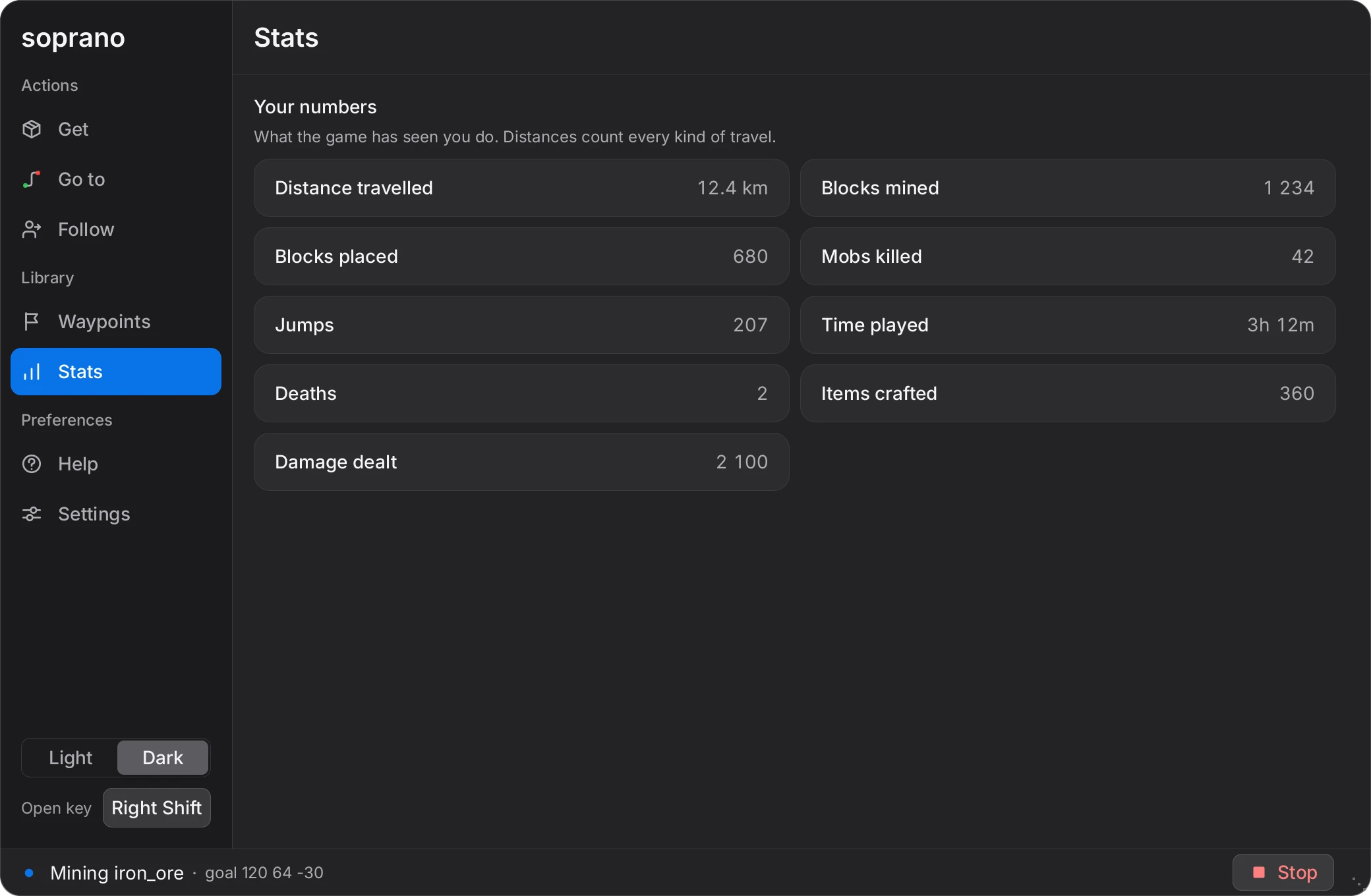
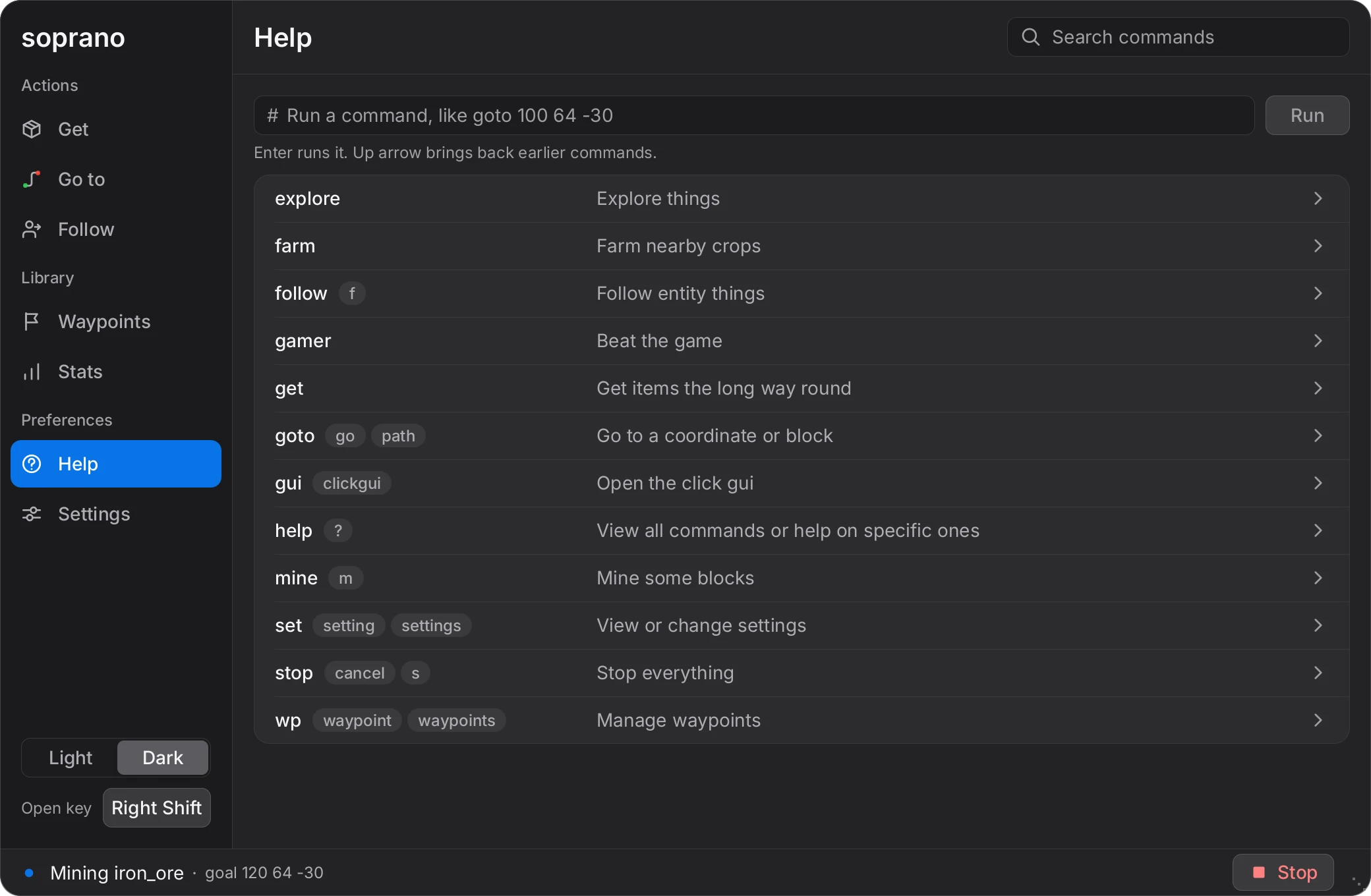
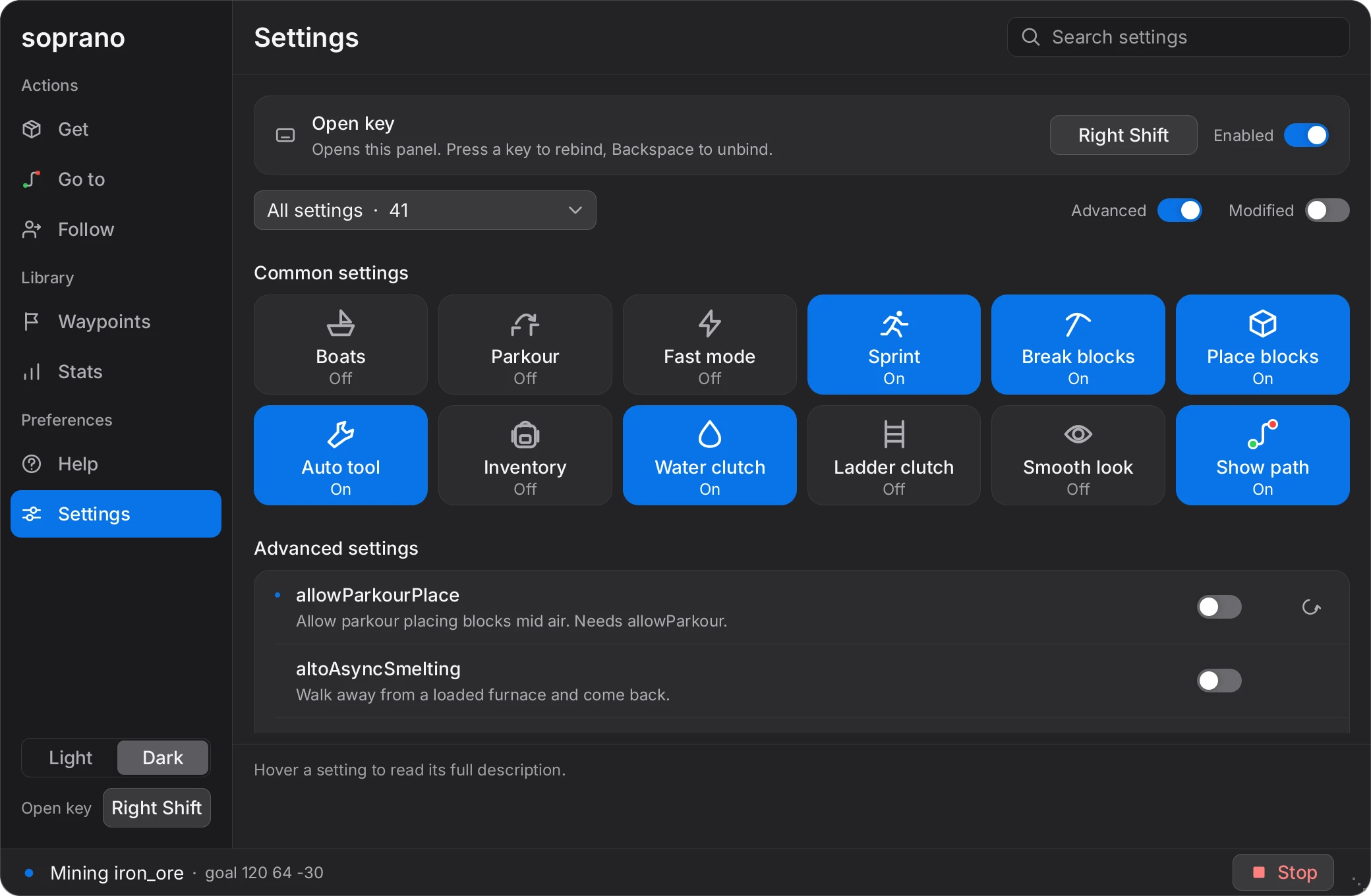
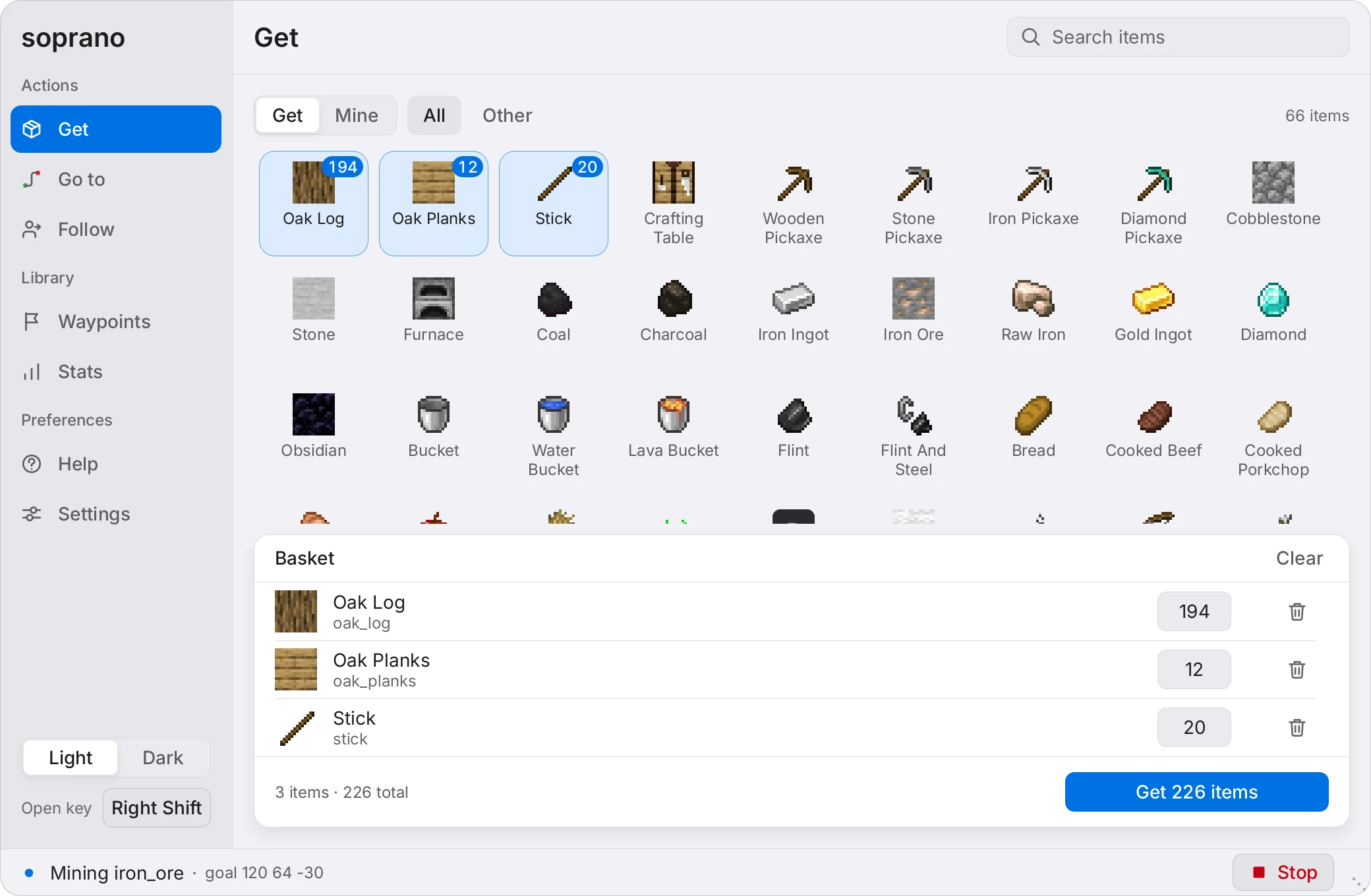
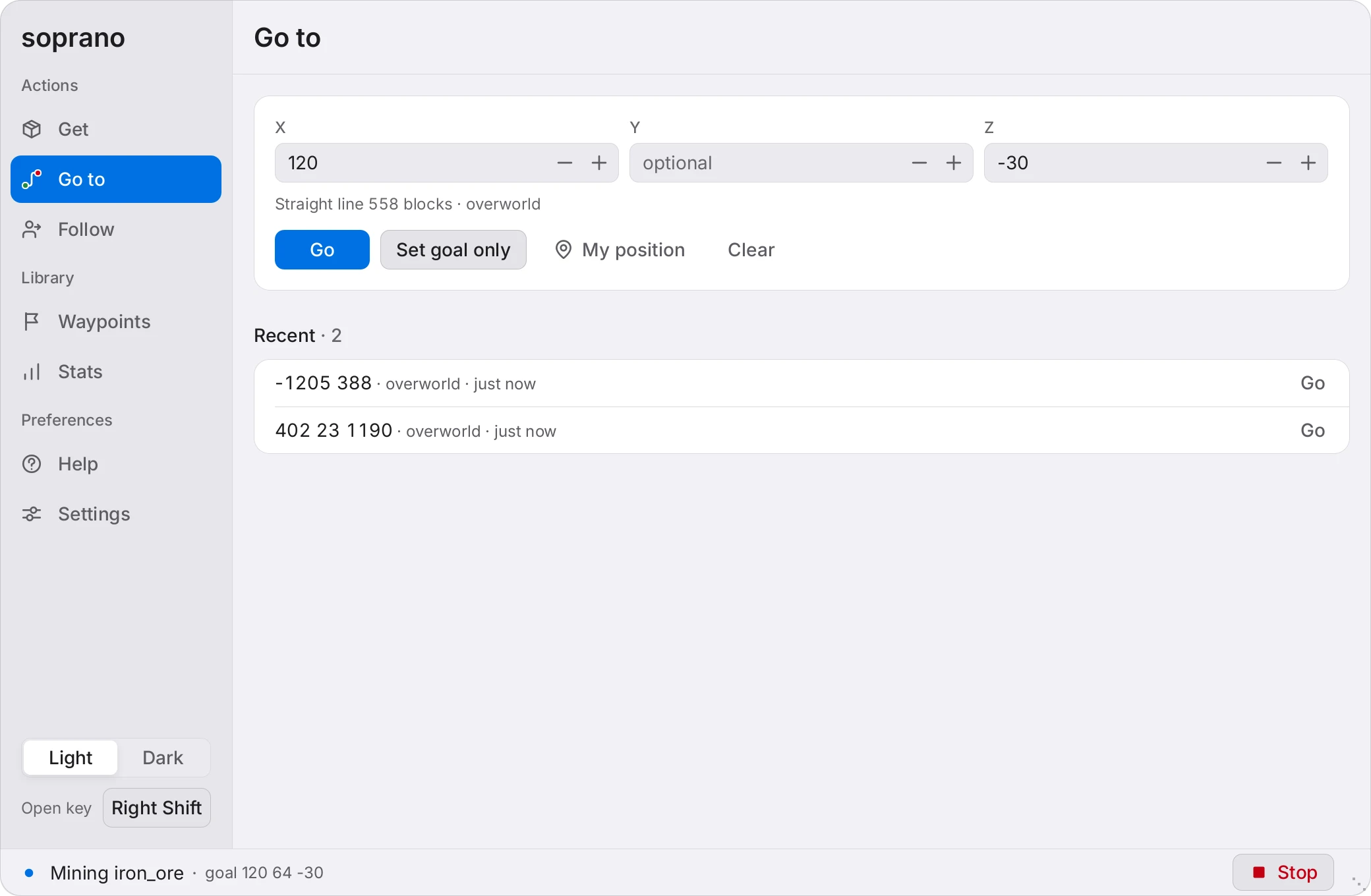
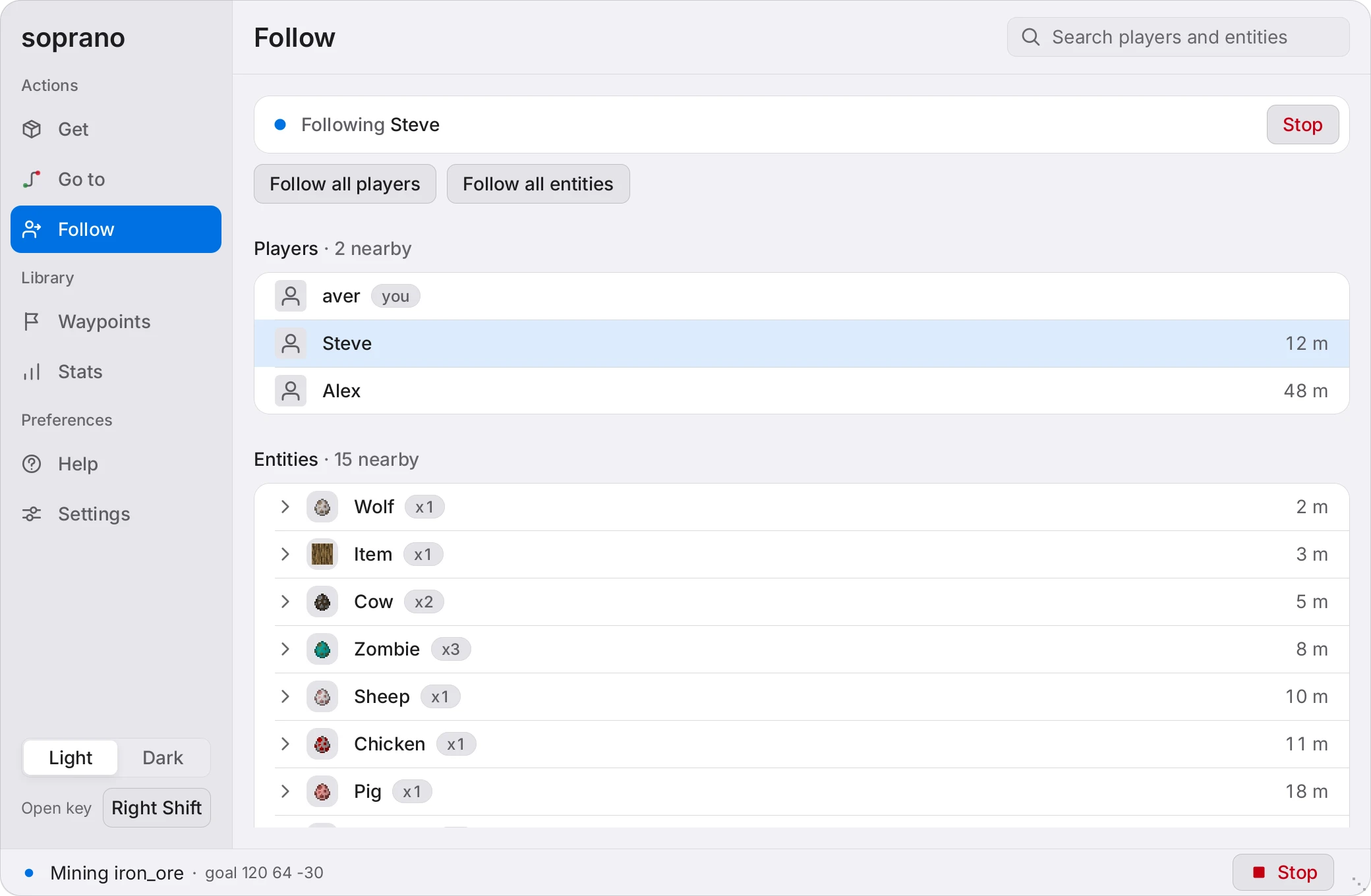
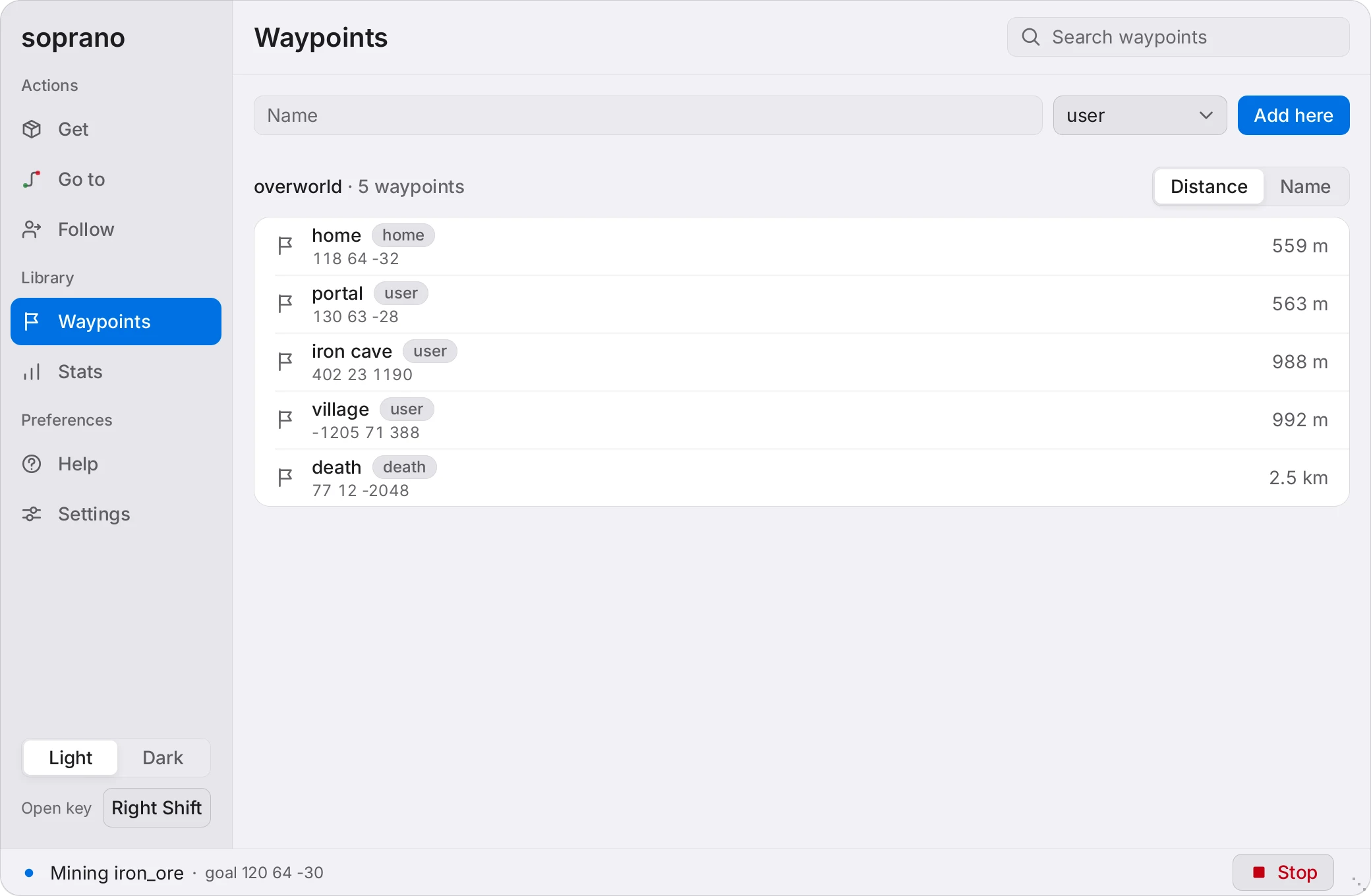
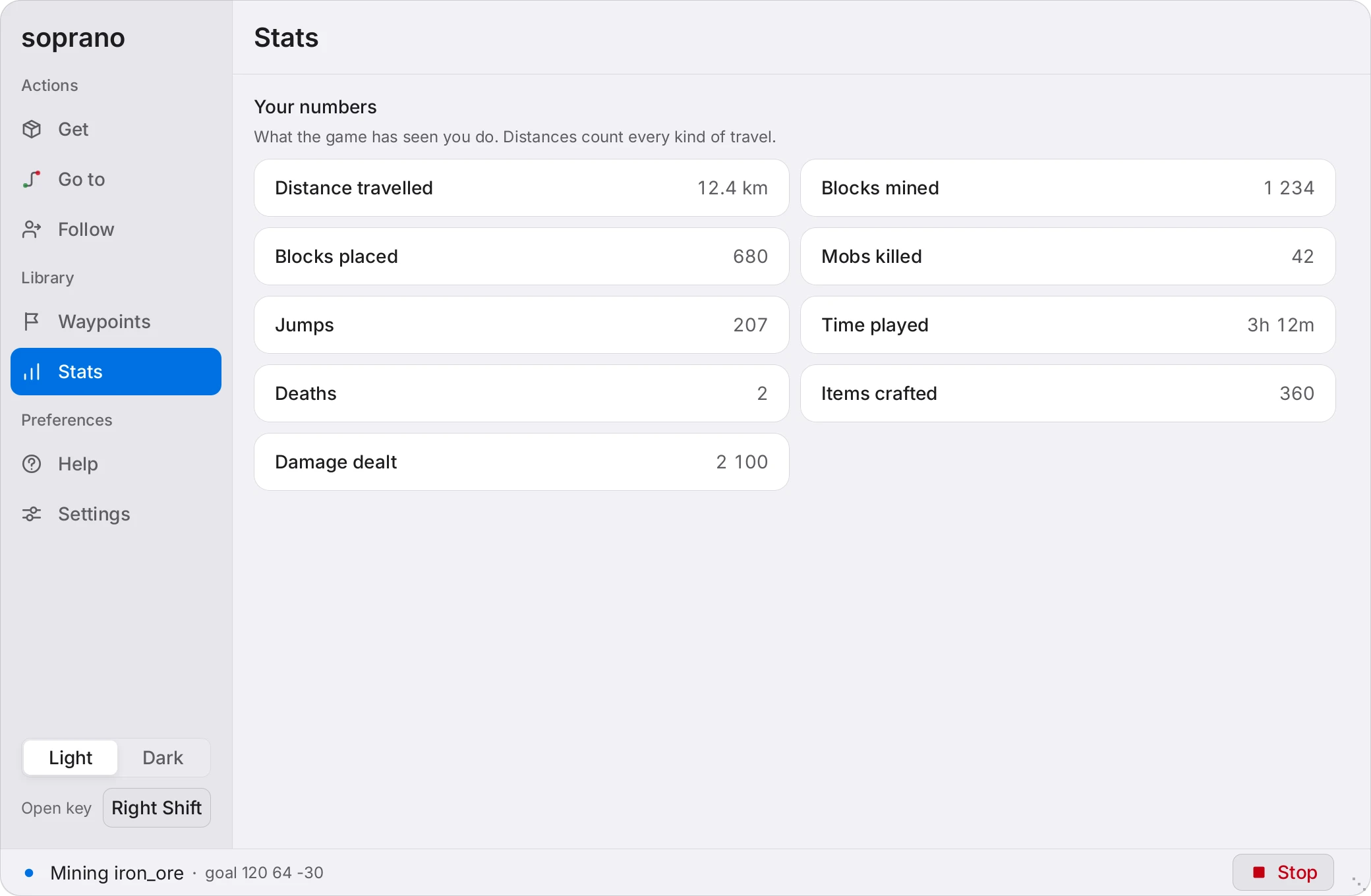
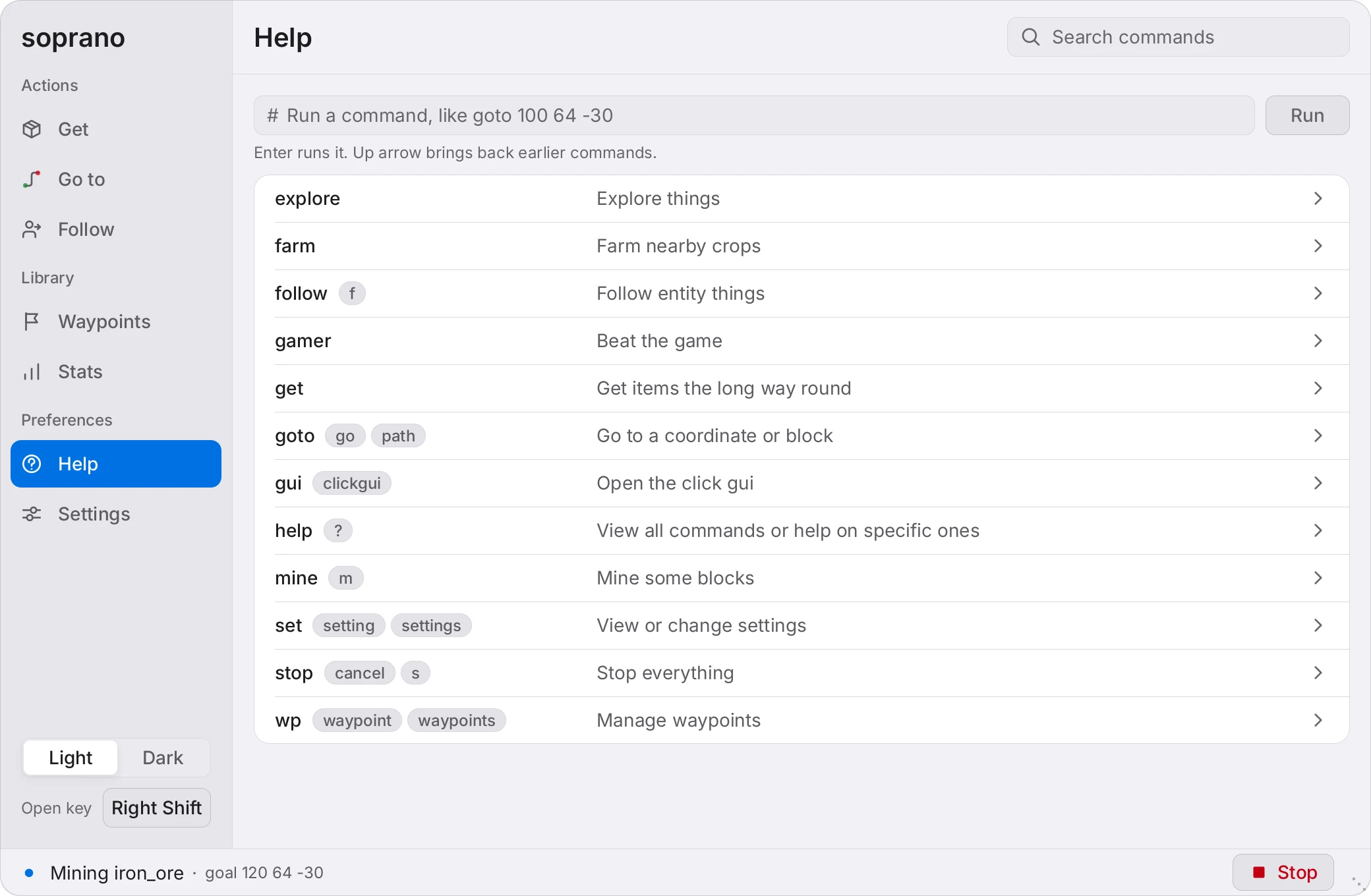
Get. Pick items and amounts, then send them as one task. Switch to Mine to dig for blocks instead.
Rendered by the mod's own preview harness, not captured in a world.
Give it coordinates.
#goto 1000 500 and it starts walking. #stop when you change your mind. It won't take it personally.
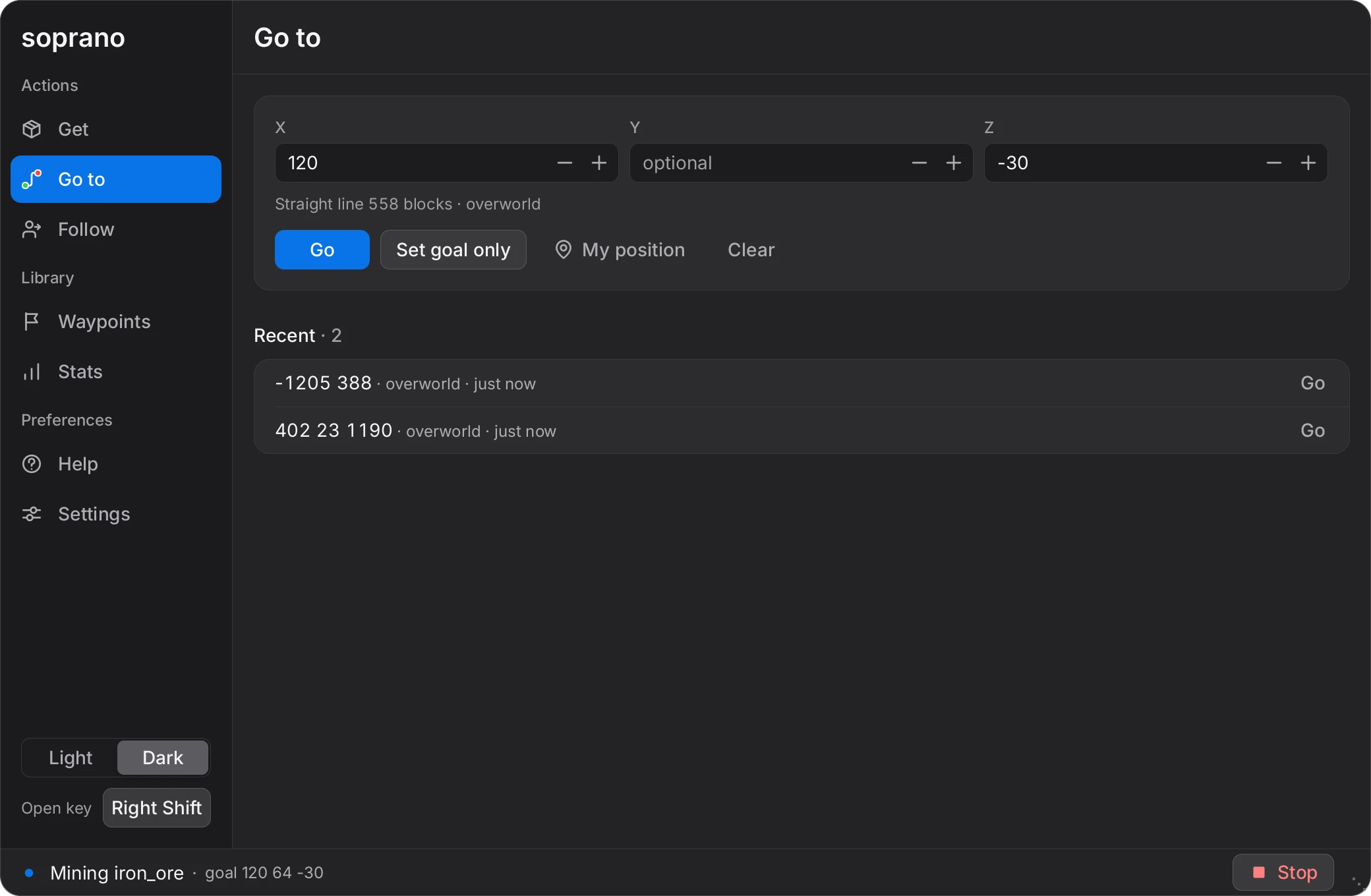
Or give it a shopping list.
#get iron_pickaxe gathers an item from scratch. #mine diamond_ore just digs for the block. Neither one asks why.
Swap the jar, keep everything.
Soprano does what Baritone does, and the baritone.api packages are still there, so mods built on Baritone's API keep working. Replace your Baritone jar with Soprano. Don't install both. They won't get along.
#goto#mine#build#farm#elytra
Decide how brave it is.
Everything is a setting, changed in game with #set. The riskier movement stays off until you turn it on. After that, it's between you and the lava.
#set allowParkour true#set allowNeos trueNeo jumps only work with parkour on. #modified lists what you've changed.
Find your way back.
Save a spot, set it as the goal, path to it. It remembers where, so you don't have to. The Waypoints tab is the same list with buttons.
#wp save user coolbiome#wp goal coolbiome#path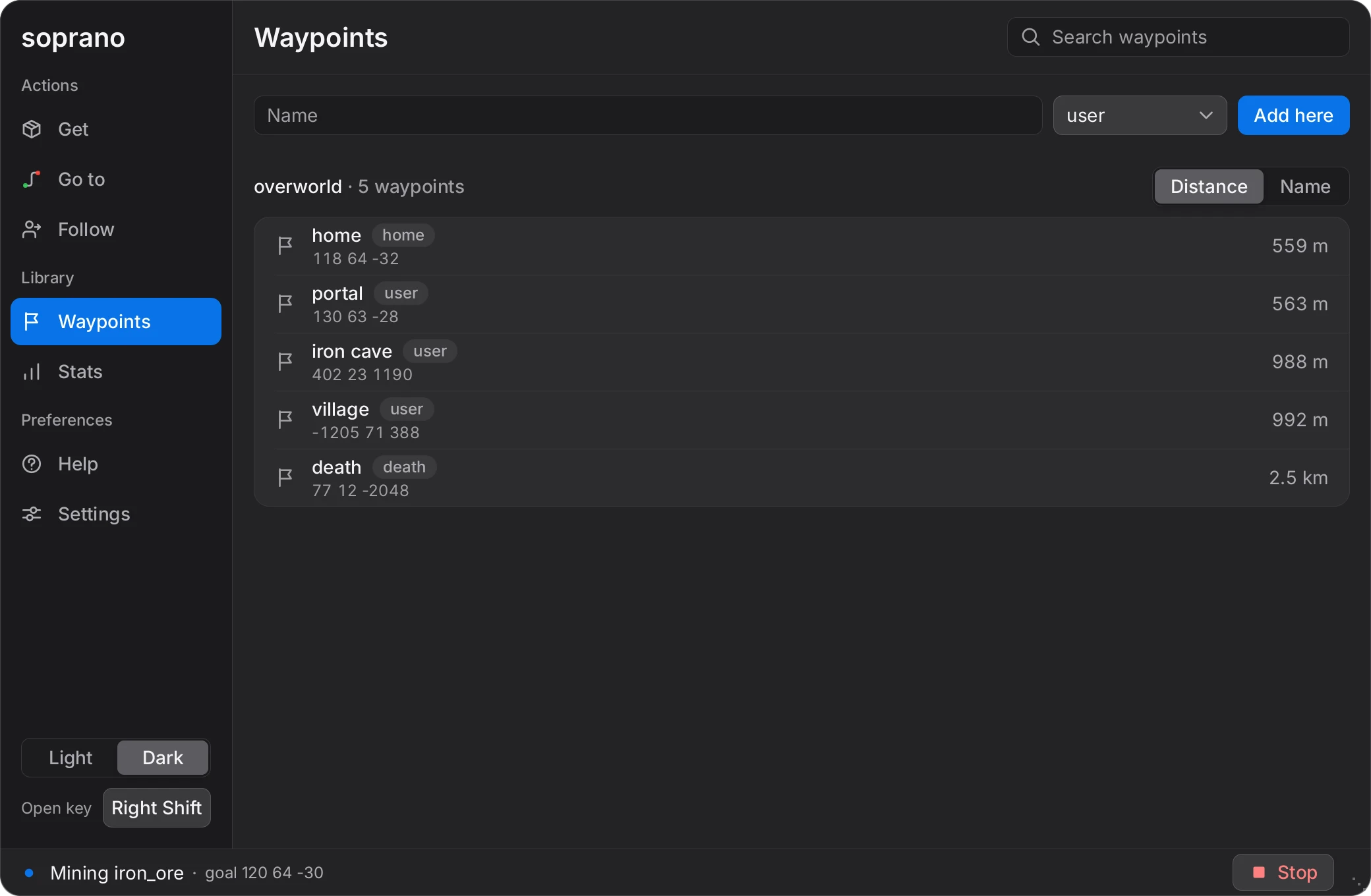
Pick a jar.
Fabric, Forge and NeoForge. Every release has jars for all three, in three flavors. Pick one. Just one.
- Fabric
- Forge
- NeoForge
Which build
| Minecraft | Latest release | AltoClef built in | Control panel |
|---|---|---|---|
| 26.3 | soprano-v1.1.3 | Yes | Yes |
| 1.21.4 | soprano-v1.0.2 | Yes | Yes |
AltoClef and its commands, like #get, are in the 26.3 and 1.21.4 builds. The control panel is in the 26.3 and 1.21.4 builds.
Install
- Grab the jar for your Minecraft version and loader from the releases page.
- Drop it in your mods folder. If Baritone is in there, take it out.
- Join a world and type #goto 1000 500. #stop makes it stop.
Each Minecraft version has its own releases. See which build you want above.
Which jar
Most people want the api jar. Most people are right.
soprano-api-<loader>-<version>.jar- The one you want. Other mods can still use the Baritone API.
soprano-standalone-<loader>-<version>.jar- Slightly faster, but other mods cannot use the API.
soprano-unoptimized-<loader>-<version>.jar- Readable stack traces. Use it when you report a bug.
Building it yourself? Setup guide.
Open source, same as Baritone.
Soprano is Baritone's code with more on top, so it carries the same license, the LGPL-3.0. AltoClef is MIT licensed, and its license is in the repo. Found a bug? Send latest.log, your Minecraft version and the output of #modified. Questions go in the Discord.
The manual.
#help lists every command, and you can click them. The guides cover the rest. Reading them is optional. Recommended, but optional.